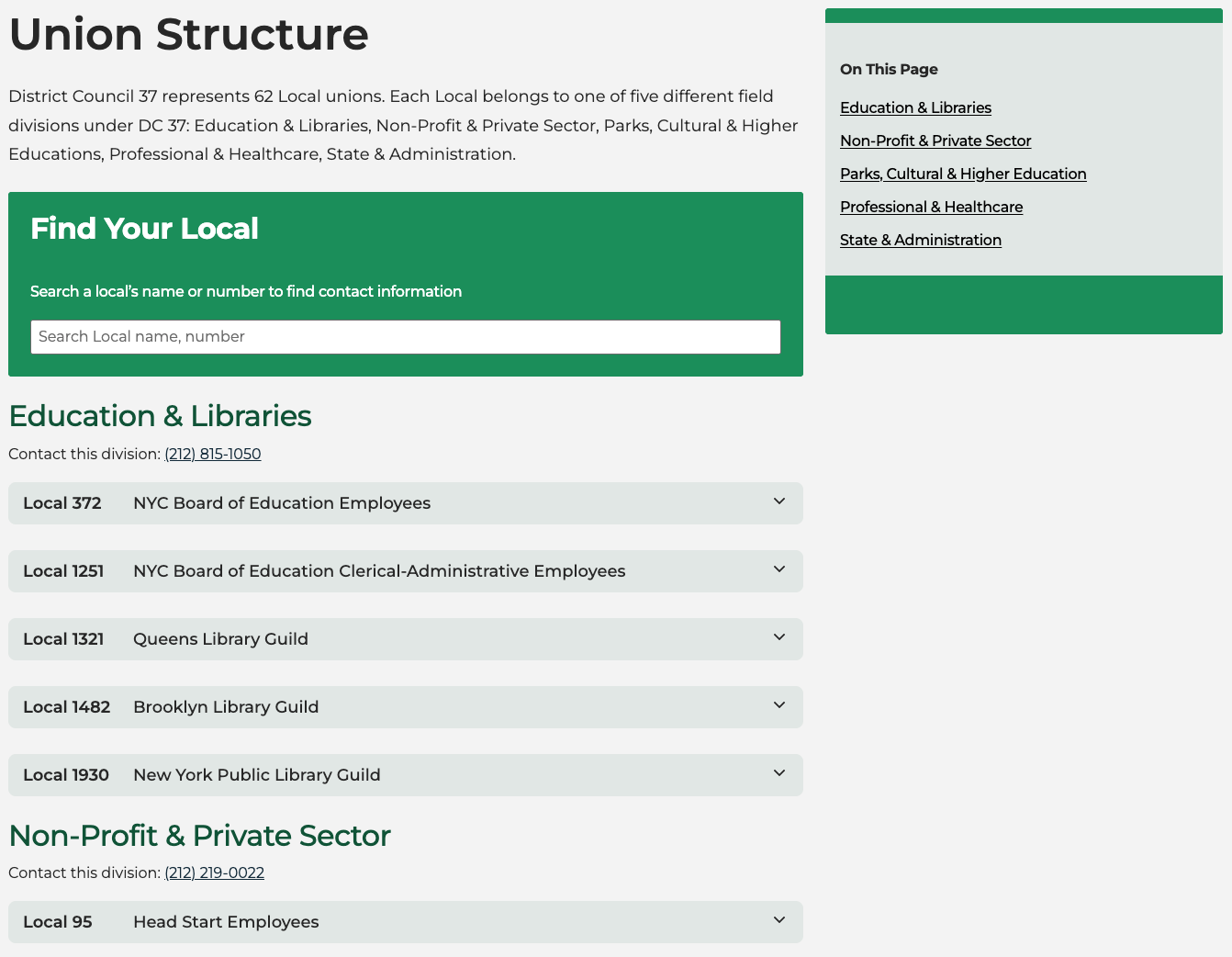
Content Structure
Post Types
| Post Type | Description |
|---|---|
| Post | Used for blog section within Media Center - displayed in chronological order |
| Page | A basic web page, most general info pages |
| News Release | Used for news releases within Media Center |
| Local | Details about union locals |
| Benefit | Details about a specific benefit section or type. |
| Event | Events that are listed on calendar |
| Venue | Venues where events take place |
| Organizer | Person or organization putting on the event |
Post
A post in WordPress is a post type that is typical for, and most used by blogs.
Posts are displayed in the Blog section of the Media Center. They are shown in reverse sequential order by time (newest posts first).
Page
Pages are used to organize general informational pages. Pages are for content that isn't time-dependent, or which is not part of the blog or news sections.
-
Pages can be organized into parent pages and subpages.
-
Pages can use different page templates. For instance we have two page templates:
- Default (Pages) - the title is hidden by default, since we use a special banner at the top of most pages which is a block pattern you can insert onto a page.
- Page with Title - the same, except the title is displayed as a level 1 heading at the top of the page. Use this template when you don't need a banner.
Read more: Create pages -- Documentation -- WordPress.org
News Release
The News Release post type is used for the News Release section within the Media Center. News Releases work similarly to Posts, in that they are sorted chronologically, but they pre-structured layout format.
Benefit
The Our Benefits section uses the Benefit post type for its content. Each benefit could have one Benefit page or split into separate Public and Private Benefits pages.
When you create a new Benefit, you will be greeted with a dialog to select a starter template that defines the blocks that are pre-populated on the page, and its layout.
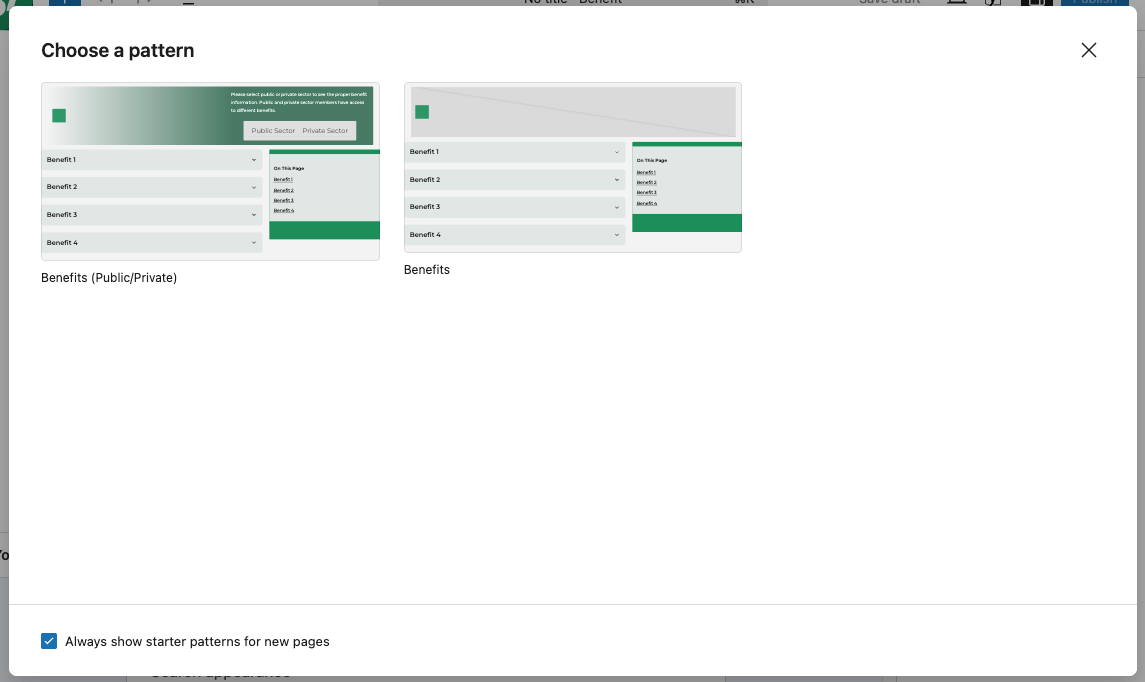
The Benefit post type has two different templates available:
- Benefits (Public/Private) - used for benefits that have both Public and Private sections - includes the banner with the public/private toggle.
- Benefits - a basic template that is for benefits that are not specific to public or private (universal).
These templates set the initial placement of blocks, which gives you a good starting point to just add the needed text and images without worrying about the page layout. You can add additional blocks and move things around as you see fit.
Benefits section hierarchy
For the purposes of the benefits that have both Public and Private pages, we are using a hierarchical structure.
- Parent placeholder Benefit that acts as the general benefit section
- Child Benefit pages that hold the content for the Public and Private options.
The simple benefits that do not need Public/Private options do not require this hierarchical structure - just create one Benefit using the basic template (example: Child and Family Care).
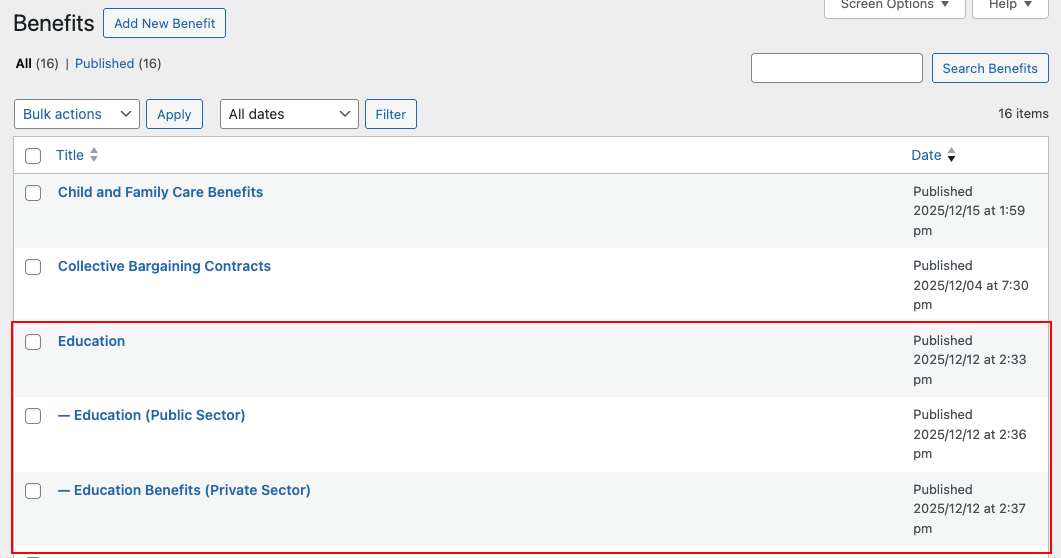
This hierarchical structure provides the following functionality:
- determining the URL structure:
- the parent page sets the first path of the URL, i.e.
/benefits/ - the child page sets the second level of the path. The URL 'slug' for the child pages should be set specifically to either
publicorprivate. - this results in a URL in the format of
/benefits/education/publicand/benefits/education/private.
- the parent page sets the first path of the URL, i.e.
- enables the toggle buttons in the banner to link to the Public and Private pages automatically.
Local
The Local post type is used to store information related to a specific Union Local or Association. These are then listed on the Our Union > Union Locals page
Event
Events on the site are managed through The Events Calendar plugin. The plugin provides post types for Events, Venues, and Organizers. The plugin developers have a very thorough user guide:
Getting Started with The Events Calendar - Knowledgebase
Taxonomies
| Taxonomy | Used on Post Type(s) | Use for |
|---|---|---|
| Category | Post | Top-level broad categories |
| Tag | Post, Event | Loose keyword-style tagging |
| Event Category | Event | Categories or types of events |
| Divisions | Locals | The division the a union Local belongs to |
Custom Block Types
These are the custom blocks we have created for use on the DC 37 website.
| title | description |
|---|---|
| Benefits Sidebar | A table of contents sidebar for Benefits. |
| Locals Accordion | Show union locals inside accordions (details) |
| Locals Sidebar | Sidebar for Union Locals, displays a list of the Divisions anchor links. |
| Sidebar Nav | Sidebar navigation built from section headings |
| Timeline | Display a timeline of events. |
Block Patterns
Banner (Page Title)
A banner with the page title and featured image background.

Banner (Benefits with Public / Private toggle)
A banner with a heading, a featured image background, and a benefits sector navigation.

Copyright Date
Dynamic Copyright date, used in site-wide footer. Date always dynamically displays the current year.

Card (Post Template)
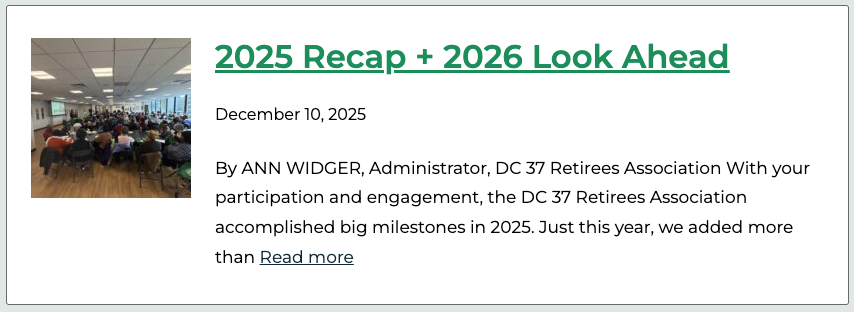
Card wrapper for posts inside a Post Template block (used in a Query Loop).
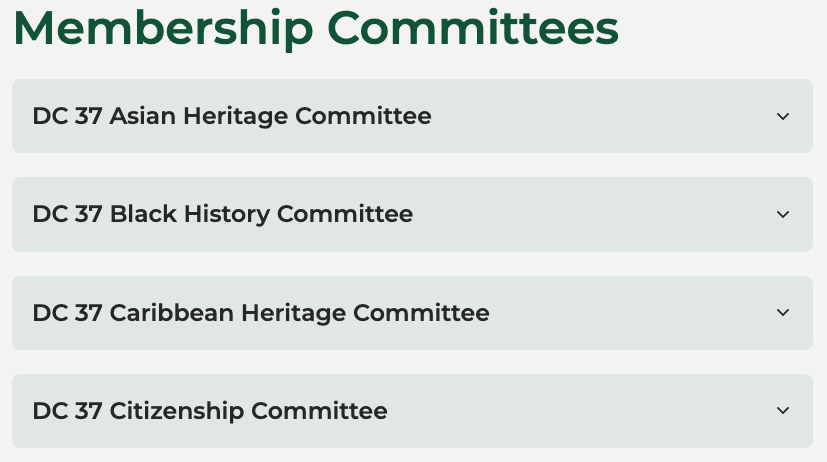
Details Section
A section with a header and collapsible details (accordion) items.
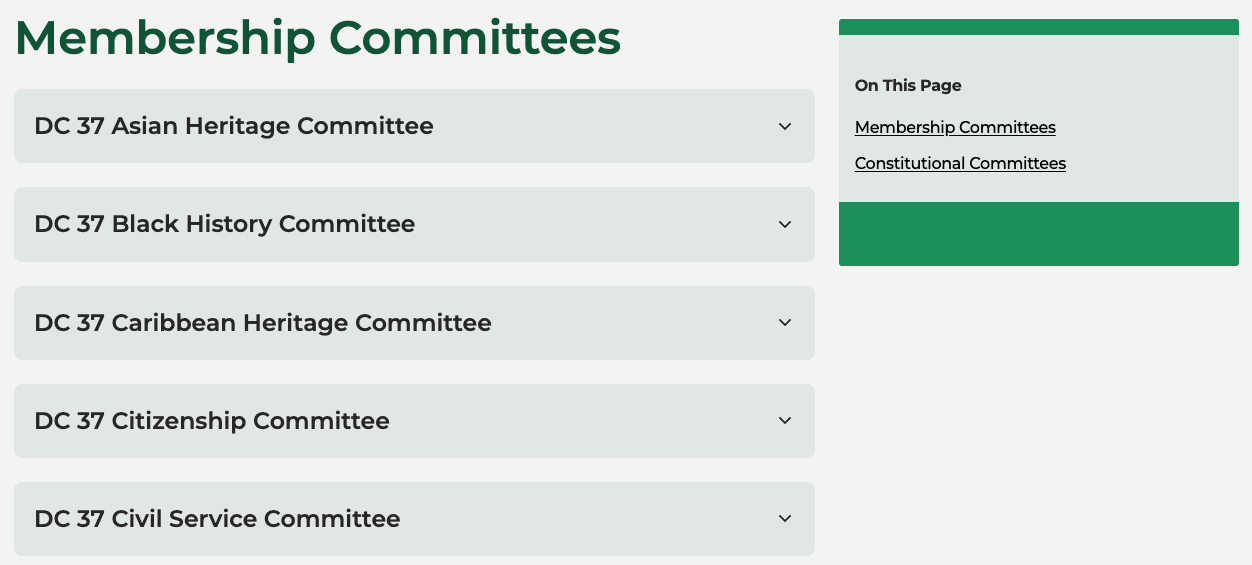
Details Section and Sidebar
Two column layout with accordion sections and a sidebar navigation.
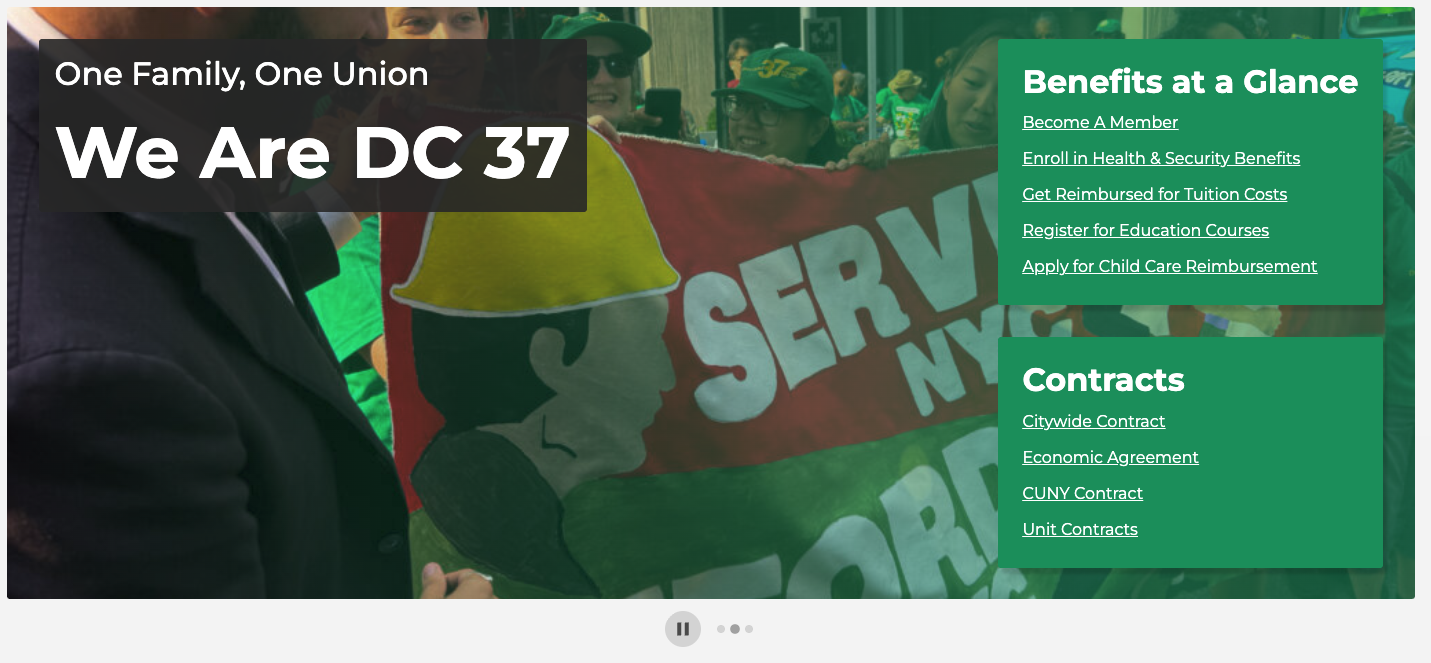
Hero
A Hero pattern for the home page. Contains: - intro text box (One Family, One Union, and We Are DC 37) - an image carousel slideshow for rotating multiple background images. - call to action menus (Benefits at a Glance, Contracts)
Local Filter
Template for displaying a Union Local Filter Component. This is used on the Local Unions page to filter the list of locals displayed.
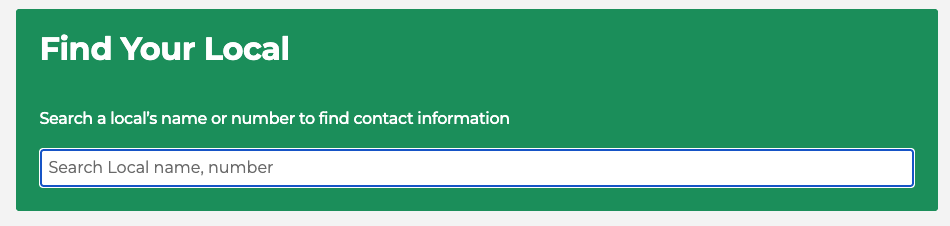
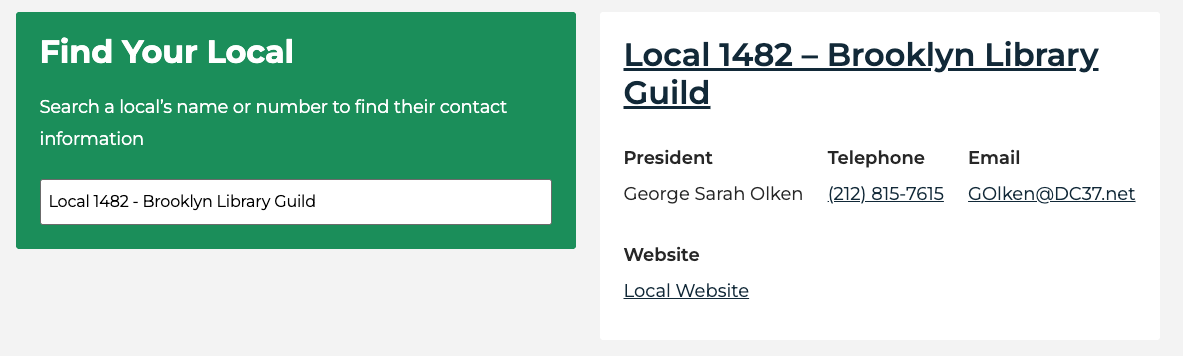
Local Search
Template for displaying a Union Local Search Component on the home page. Looks similar to the Local Filter, but adds a preview card of the selected matched search result.
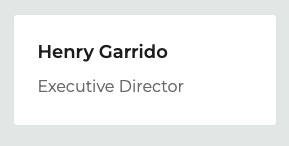
Name Card
Name and Title Card, used in: Our Union > Who We Are > Leadership.
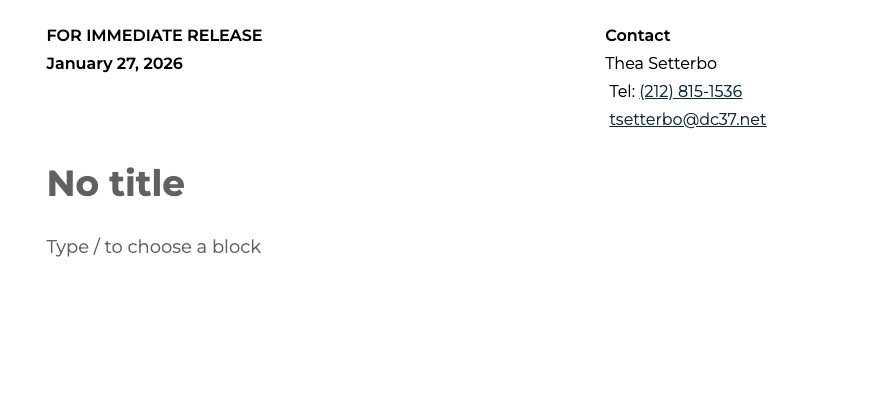
News Release Date Contact
Header used in the default template for News Release post type. Encloses the release date and the media contact.

News Release Contact by name
Shows a Media contact name with contact information (tel, email).
There are many of these patterns, each with a different name. The default template when creating News Releases uses Thea Setterbo - but you can always delete this and insert a new name into the news release header if needed.
News Release
The default template that is used when creating a new News Release. Contains the header with the Title and content placeholders, ready for you to add your text.
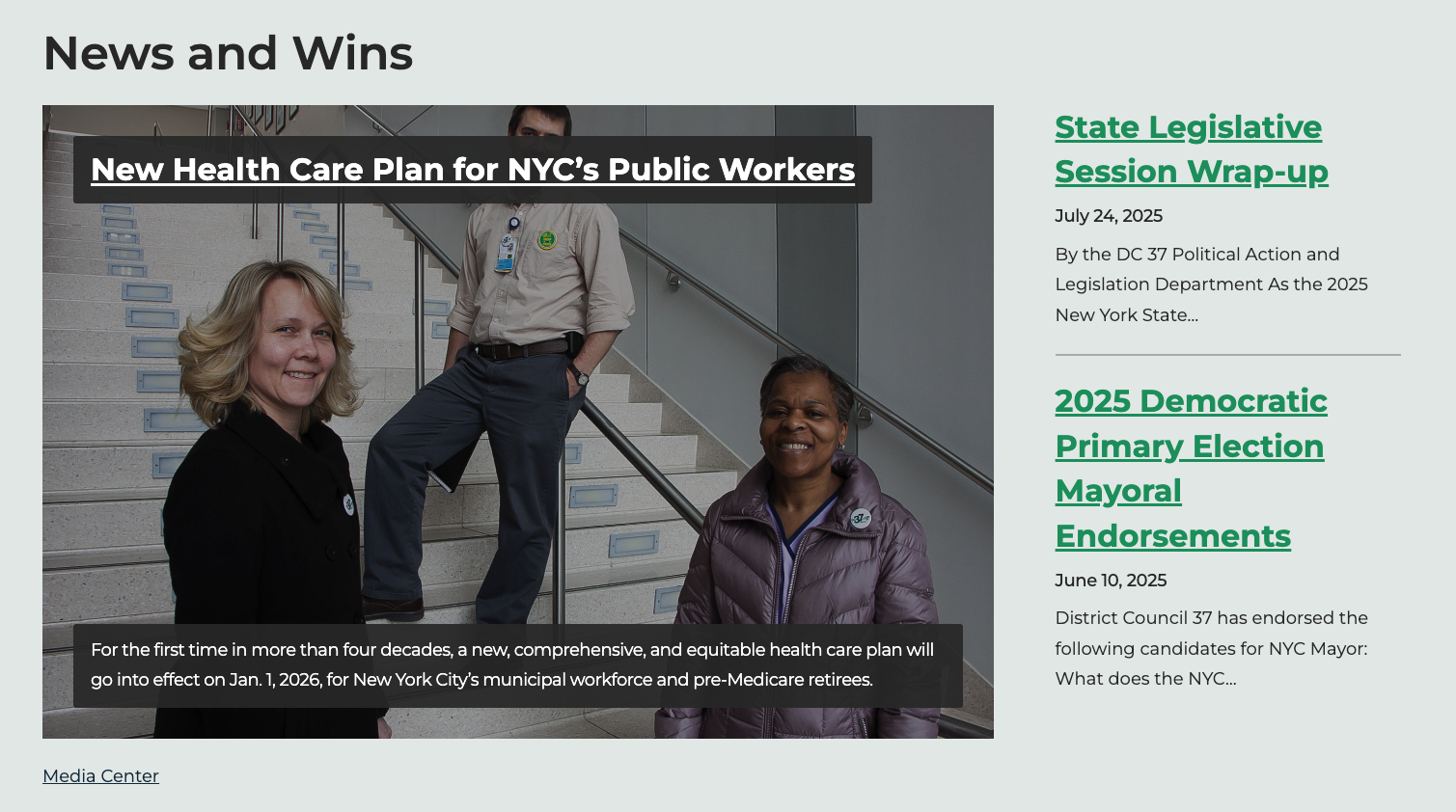
News & Wins
A Selection of News and Wins used on the Media Center page. Allows manually curated selection of featured post (large image card), and two other featured posts shown in a list.
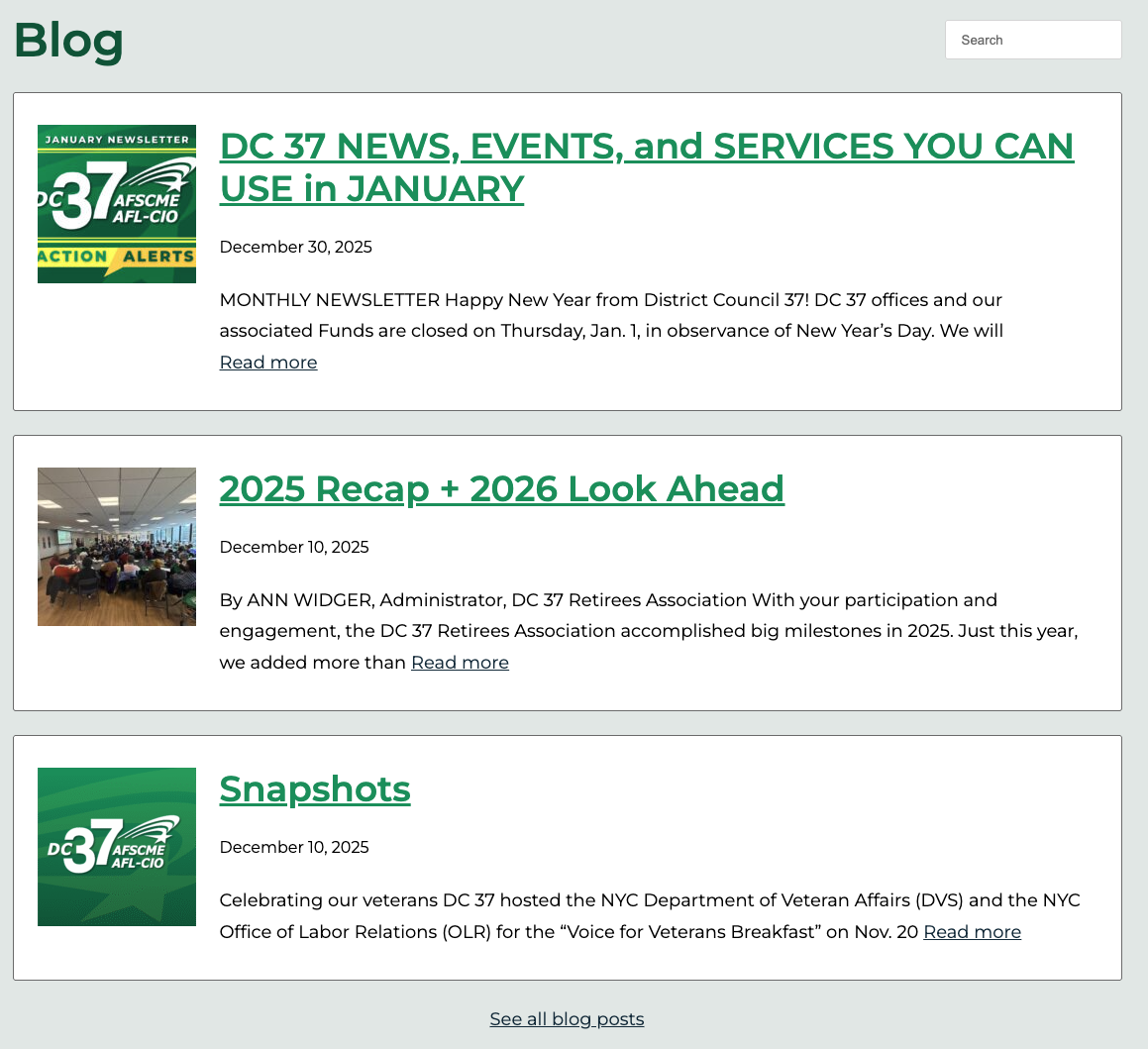
Media Center - Blog Section
Show the latest blog posts on the Media Center page. Uses a Query Loop containing the 3 latest blog posts.
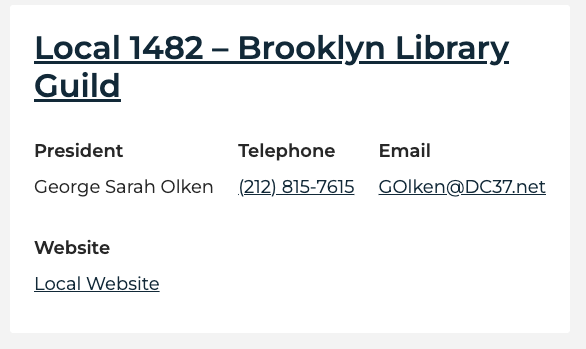
Union Local (Card)
Template for displaying a Union Local as a card - used within local search preview.
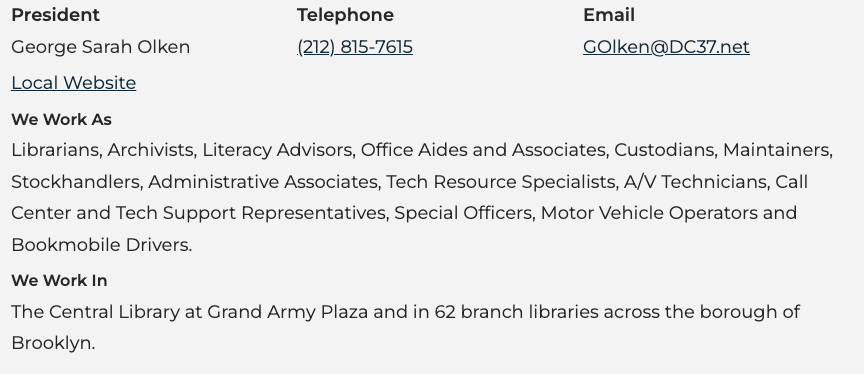
Union Local
Template for displaying a Union Local as a card - used within the accordion (details) items.
Union Locals Listing
Pattern including the Union Locals listings by division with filter and sidebar navigation.